macOS · Apple silicon
Download NerfedLab.
A notarized app for Macs with Apple silicon. It drives the agent on your own machine through your own subscription, and needs nothing else. For a company, we set it up with the subscriptions you choose.

What you need
- A Mac with Apple silicon. M1 or later. Intel Macs are not supported.
- A subscription of your own. Out of the box the studio drives Claude Code, so a Claude Pro or Max plan; every AI turn is billed to it, never to us. A company setup runs on the subscriptions it chooses.
- The engine installed. If the command line tool is missing, the welcome screen shows the install command and can run it for you in the app’s own terminal.
Installing
- Open the downloaded
.dmgand drag NerfedLab into Applications. - Launch it. The app is signed and notarized, so macOS opens it without a warning.
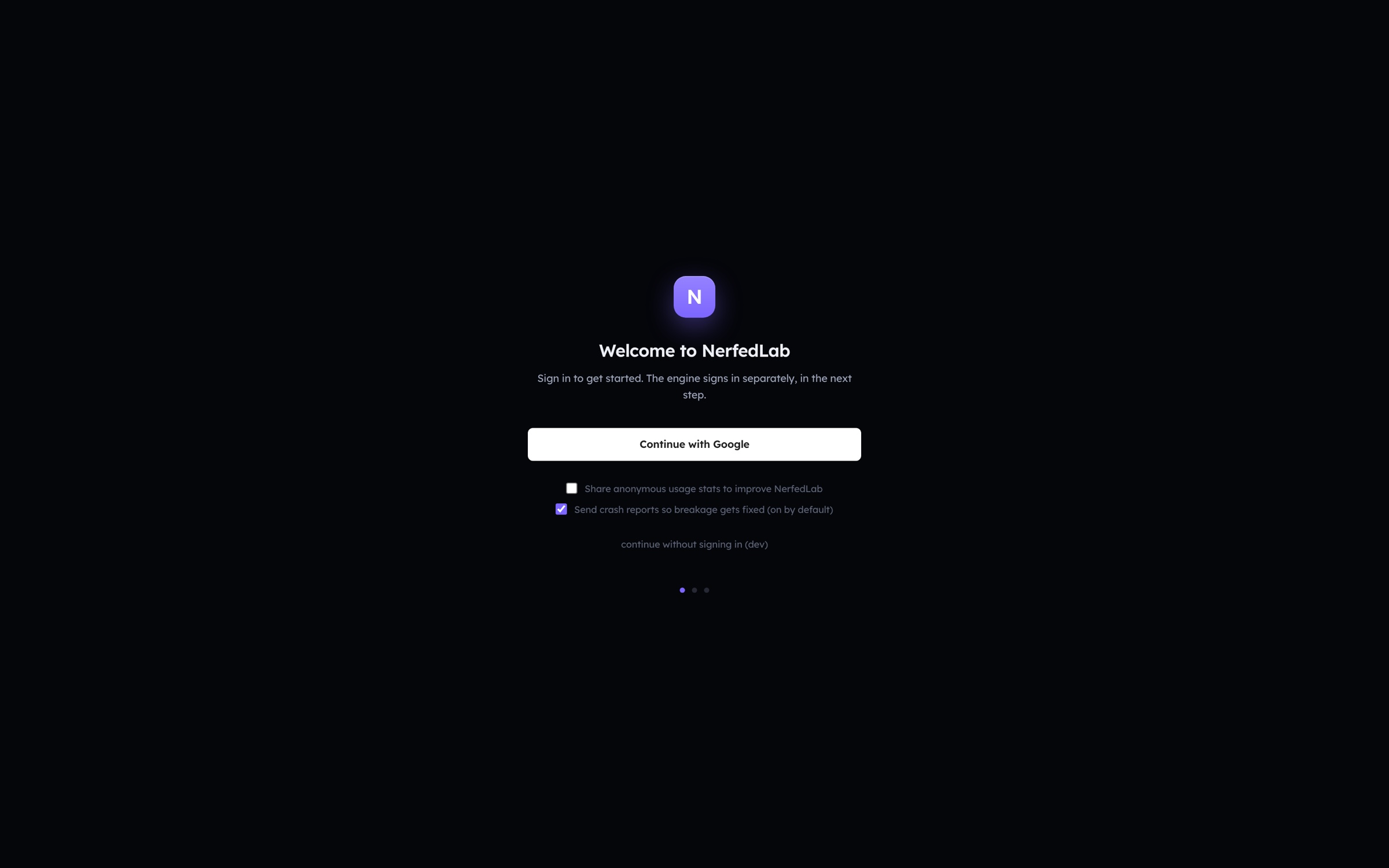
- Continue with Google. Your NerfedLab account is separate from your Claude subscription.
- Connect the engine. NerfedLab checks for the command line tool, waits until it answers, and takes you to the home screen.
- Press the dotted + tile and type your first sentence.
Staying current
NerfedLab checks for an update at launch, downloads it in the background and installs it when you quit. New versions roll out in stages, so an update may reach you a few days after it is published. The changelog lists every version, and the .dmg above is always the latest.
What’s new in v6.7.2
Release notes
A fix for text that came out as one squashed, unreadable line.
Multi-line text renders correctly again
Any text with more than one line could collapse into a single garbled line: on the canvas, in the preview, and in the app you built. It depended on how the line spacing happened to be written, which is why it hit some screens and not others.
Headings, paragraphs and long labels now lay out with the spacing they were designed with.
If you already built an app, it needs one rebuild. Your app's code was written once, at build time, so the update does not reach back into it. Build again and the text comes out right. Designs and previews are correct the moment you update, with nothing to redo.
Also in this release
Documentation and reliability work that had piled up since 6.7.1, including the notes behind the certificate and proxy fixes from last week.
Requires macOS on Apple silicon.